
What children now expect
Learning they can see, try and understand.
- Instant feedback on every answer
- Visual and interactive content
- Progress they can see for themselves

 for Schools
A clearer view of every child, with reports that guide your teaching and homework that keeps learning moving.
TurboKids for Schools connects a complete digital school with the everyday work of your teachers. Students learn on the app. Teachers use a web interface to assign homework, review results, support learning gaps and prepare for parent meetings. Families can follow their child’s progress.
Learning they can see, try and understand.
A clearer picture of how their child is growing.
Better outcomes. A stronger school. Confident parents.
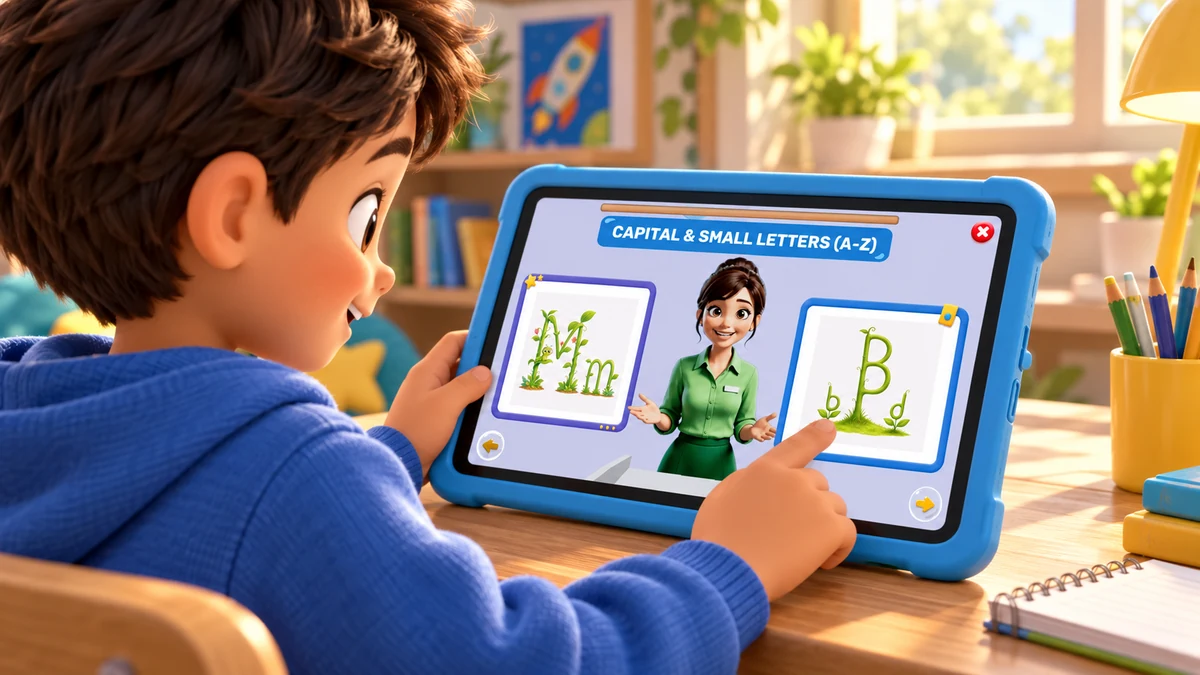
A learning experience parents can see.
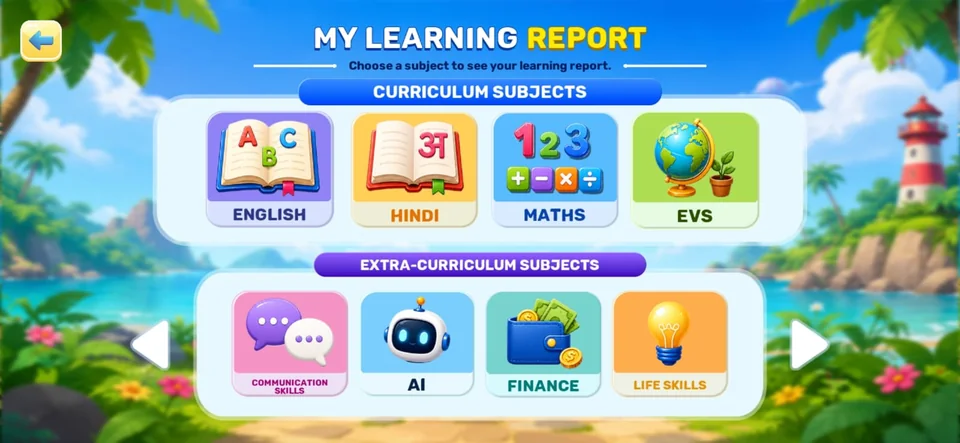
Structured skill tracks beyond the textbook.
Progress parents can see and trust.

Data-led help, less guesswork.
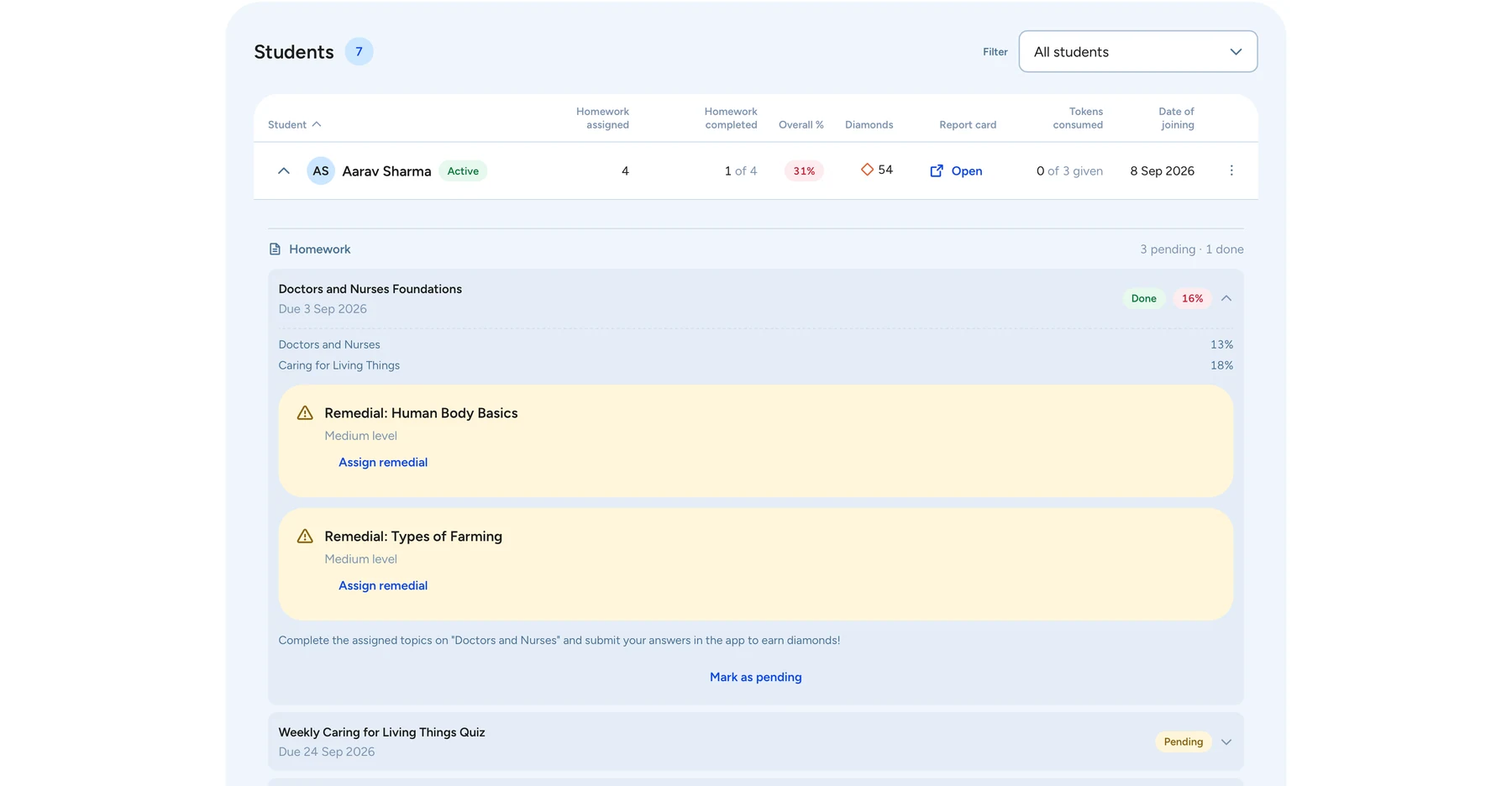
A learning record that moves with the child.
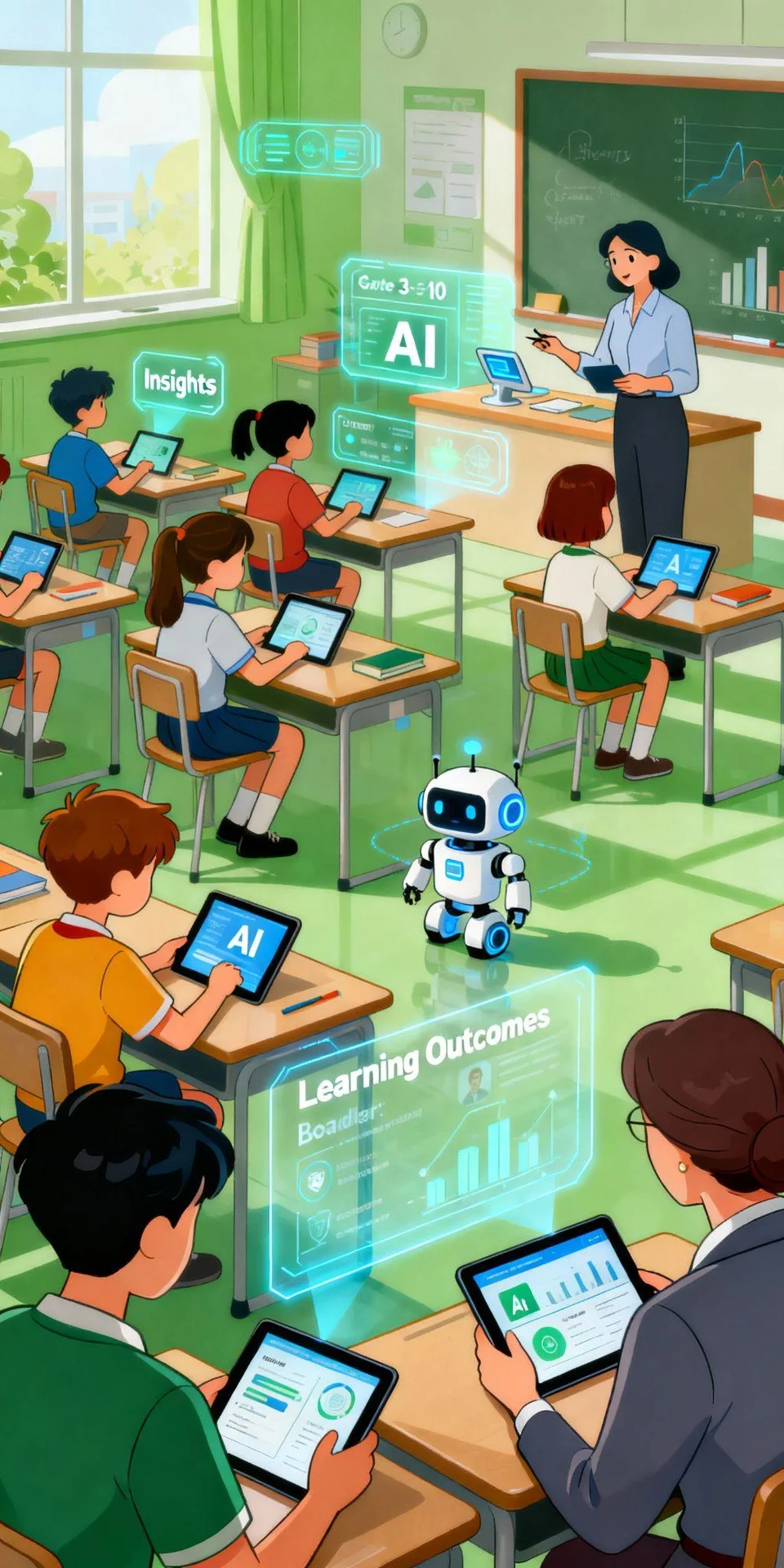
Foundational-stage alignment a school can document.
You are not buying software. You are buying something to show parents in April.
Book a school demoConnected learning
One platform for students, teachers and parent meetings.
A dedicated web workspace puts classroom progress and homework within reach.
Bring learning records and teacher observations into every parent meeting.
Identify learning gaps and assign the foundational topics each child needs.
Explore the grade, subject and topic structure with your academic team.
From classroom to home
Scroll to explore, or choose a topic.
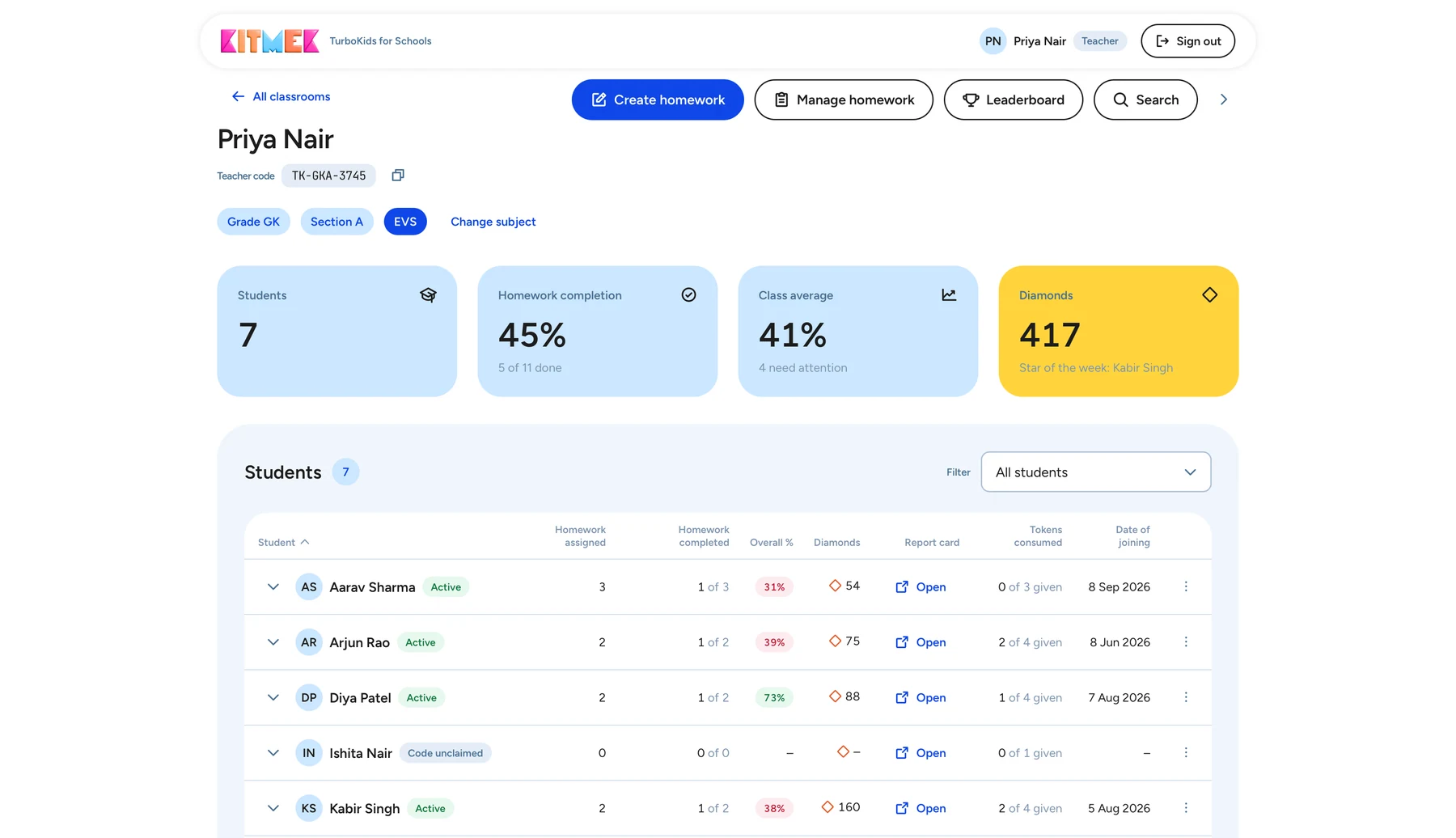
Your class, together in one view. See students, homework and individual reports.
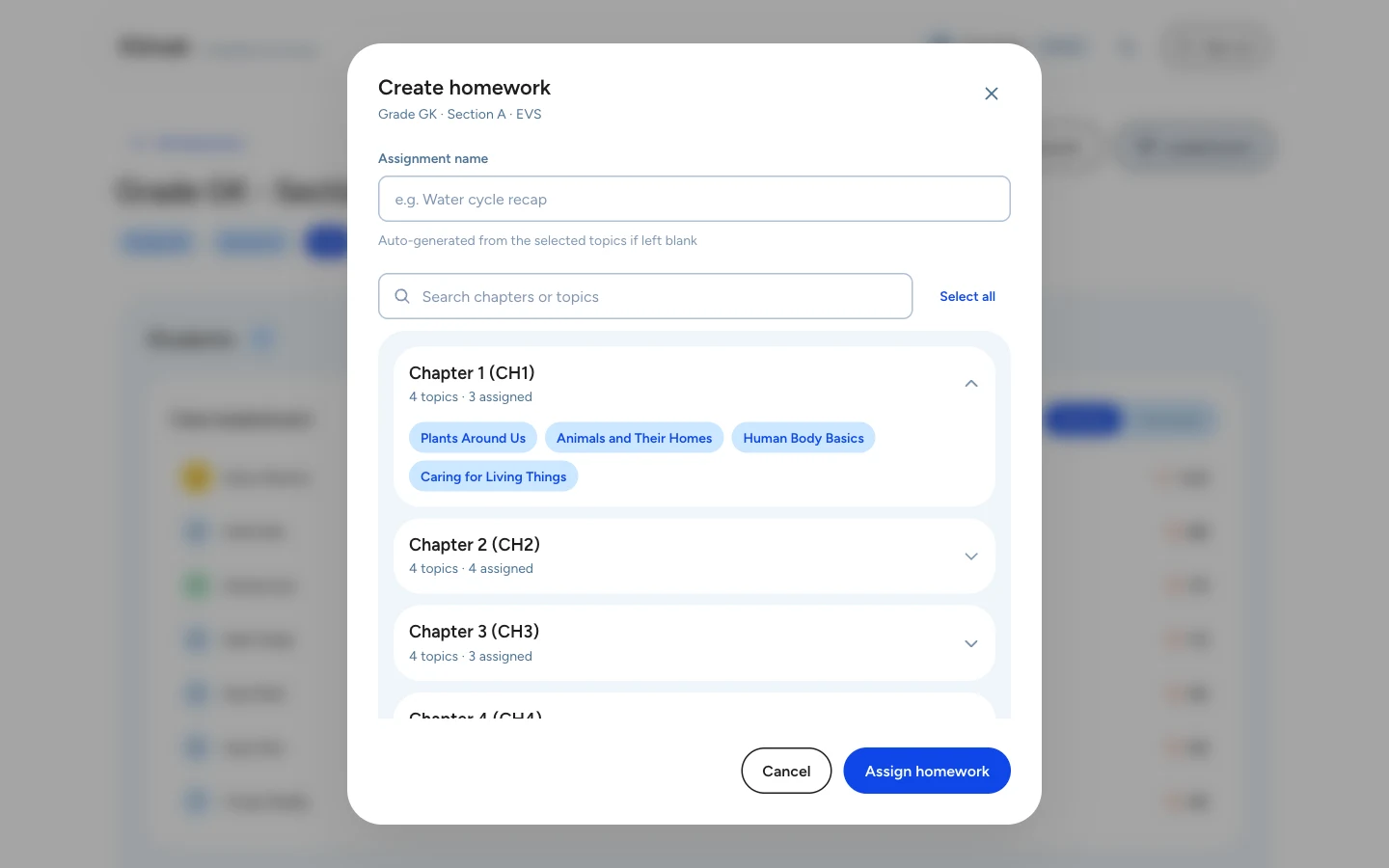
Choose the chapters and topics, then assign the work to your students.
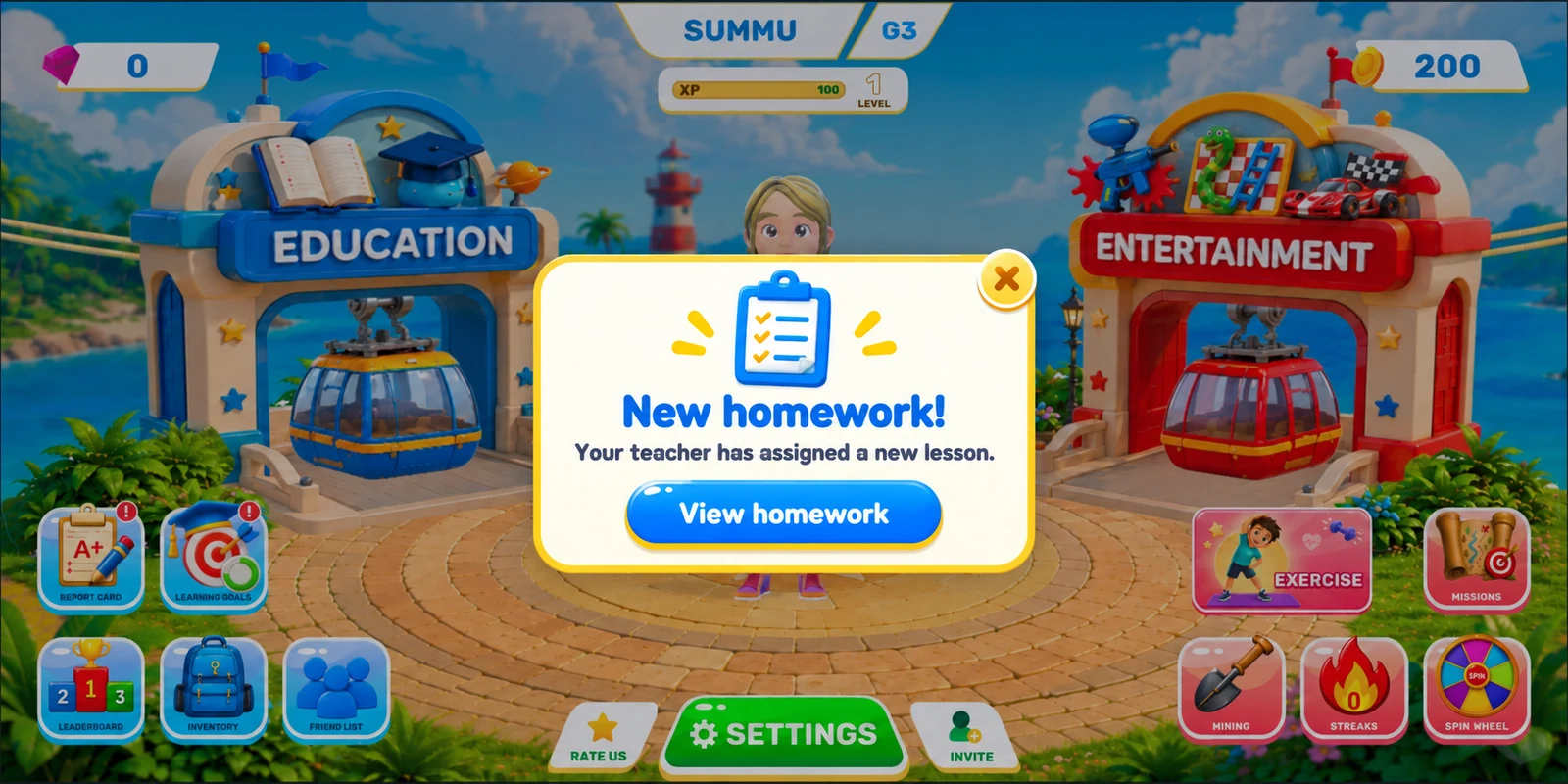
A notification on the home screen lets your child know there is new homework to do.
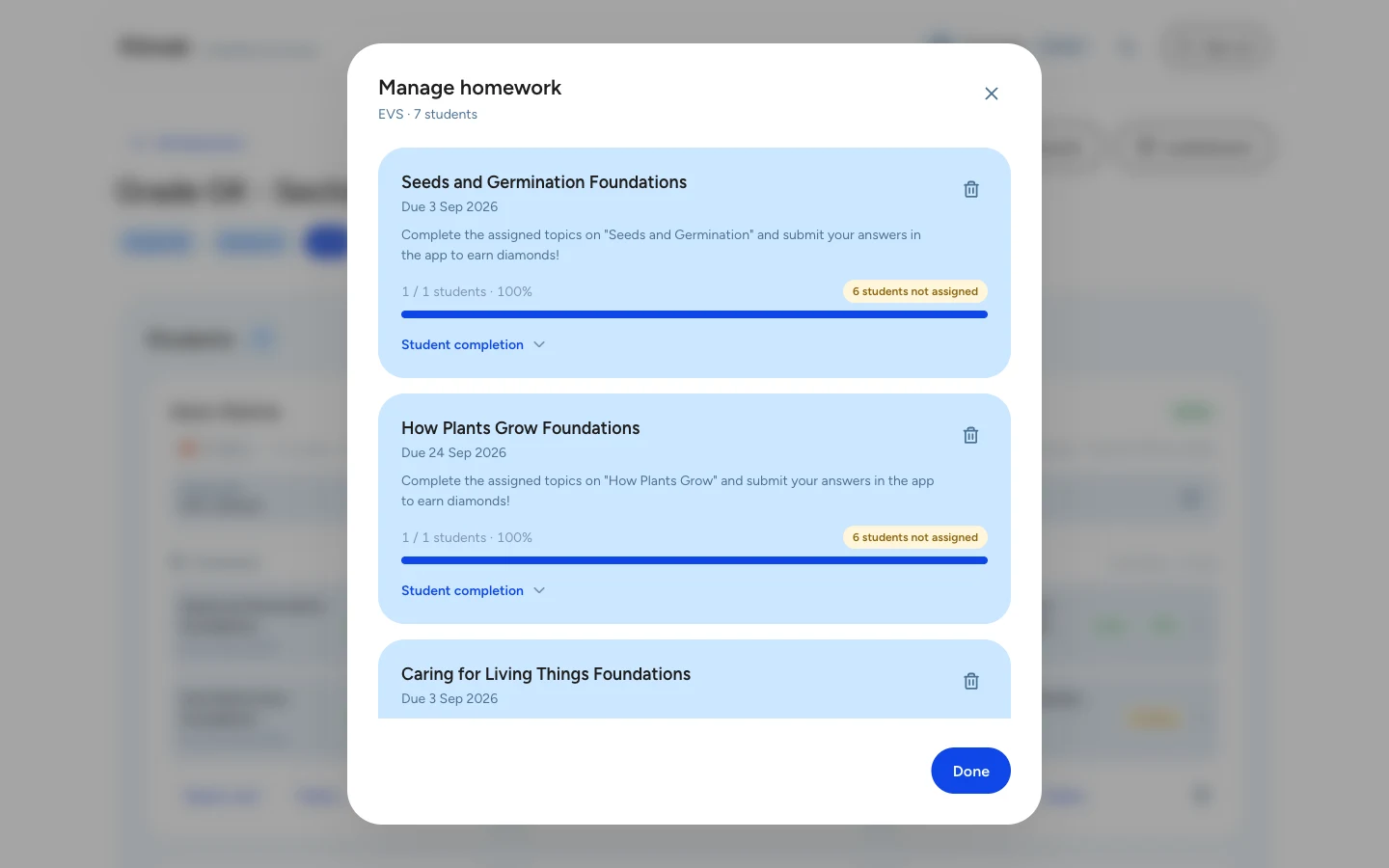
Follow assignment completion and see who still needs to finish their homework.
Use learning goals and results to spot gaps and plan the right follow-up lesson.
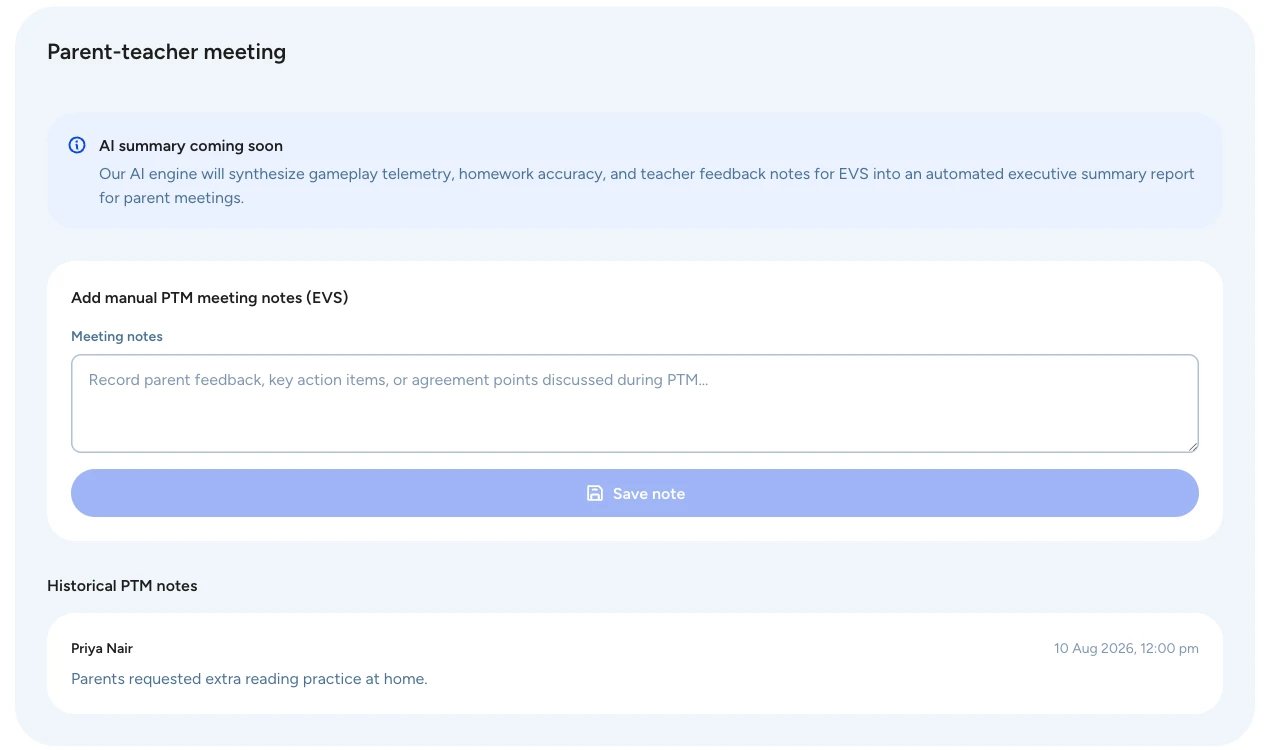
Keep observations, parent feedback and agreed next steps alongside the student’s report.
Kindergarten to Grade 5, aligned to the NCERT/CBSE curriculum. Choose a grade to see its subjects, chapters and topics.





CBSE is introducing AI and Computational Thinking from 2026–27. Your school can already be teaching it.
Choose the subject to learn.
Pick the chapter within the subject.
Select the topic to focus on.
Work through the lesson and its activities.
Ask a question and get it explained.
Take the evaluation to measure understanding.
Each child answers 10, so the question selection can vary.
Teachers can use lessons to support a current classroom topic, assign practice for home and revisit concepts that need attention. The demo is a chance to map those uses to your timetable and teaching plan.
The programme covers Kindergarten to Grade 5, with Maths, EVS and Science, English and Hindi. It also includes Communication Skills, Life Skills, Financial Literacy, and AI and Computational Thinking.
Yes. Teachers select work through the web interface and review completion and results, so they can decide what to revisit with the class or an individual child.
Topic reports identify children who need support. Teachers can trace a gap to a foundational topic, assign a remedial lesson and compare the next result with the earlier one.
Teachers use a web interface in a browser. Students use the TurboKids app on Android or iOS. Device and access arrangements can be discussed during the demo.
No. TurboKids supports your teaching plan. Teachers keep their judgement and use the lesson and report information to plan more focused follow-up work.
The school programme includes teacher onboarding, hands-on training and implementation support. Setup, responsibilities and review points are agreed with your school.
Explore a student lesson, homework assignment, progress reporting and remedial follow-up. Bring your syllabus and one teaching sequence so the discussion can focus on your school’s needs.
The proposal is based on your student access and implementation requirements. The team discusses the scope with you and shares commercial details separately.
See student lessons, teacher reports and homework in action. Tell us about your school so we can focus the demo on what matters to you.